Lunara Day 2
originally shared here on
I spent most of my day working on Lunara today.
Here's what the app can do now:
In addition to albums, you can browse by collection or by artist
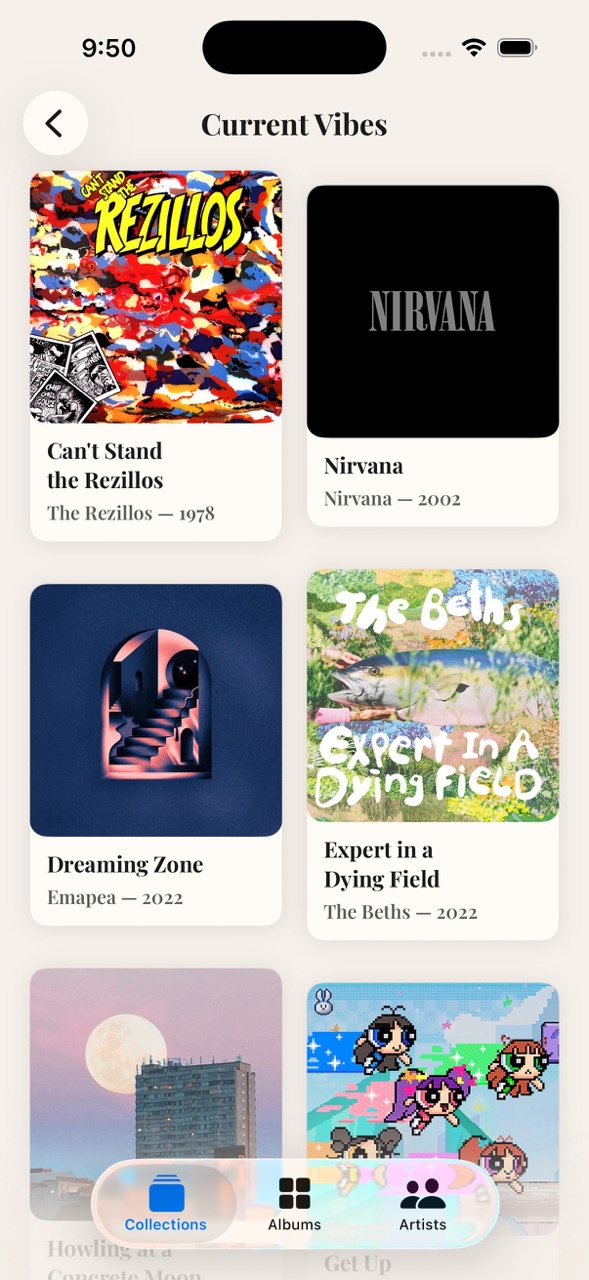
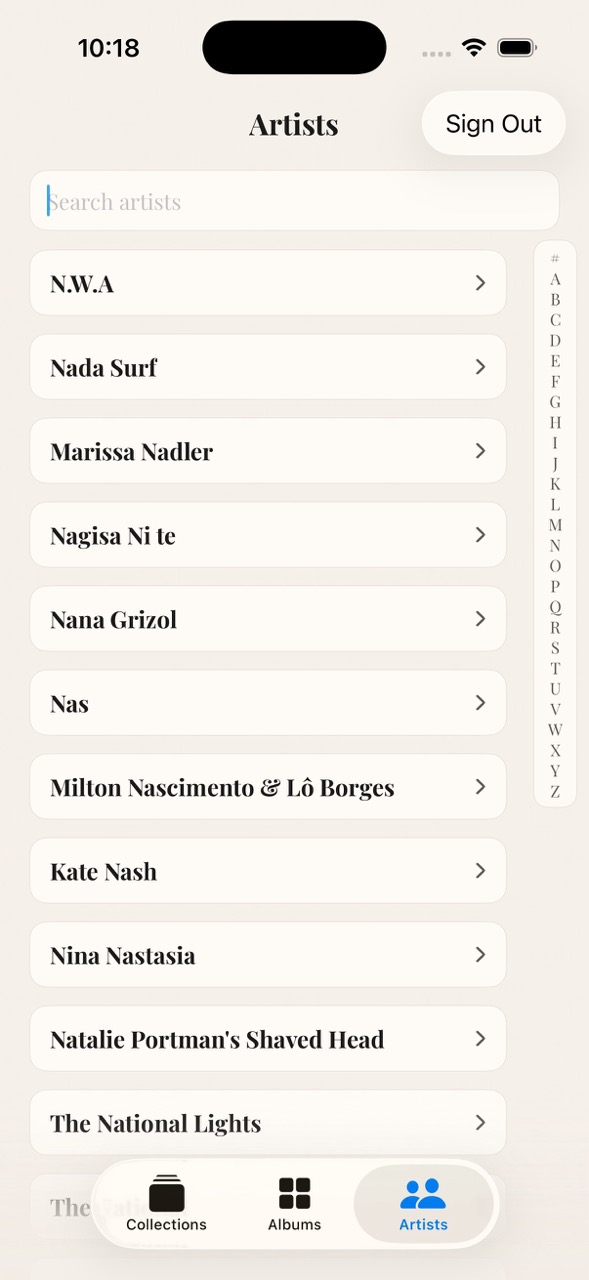
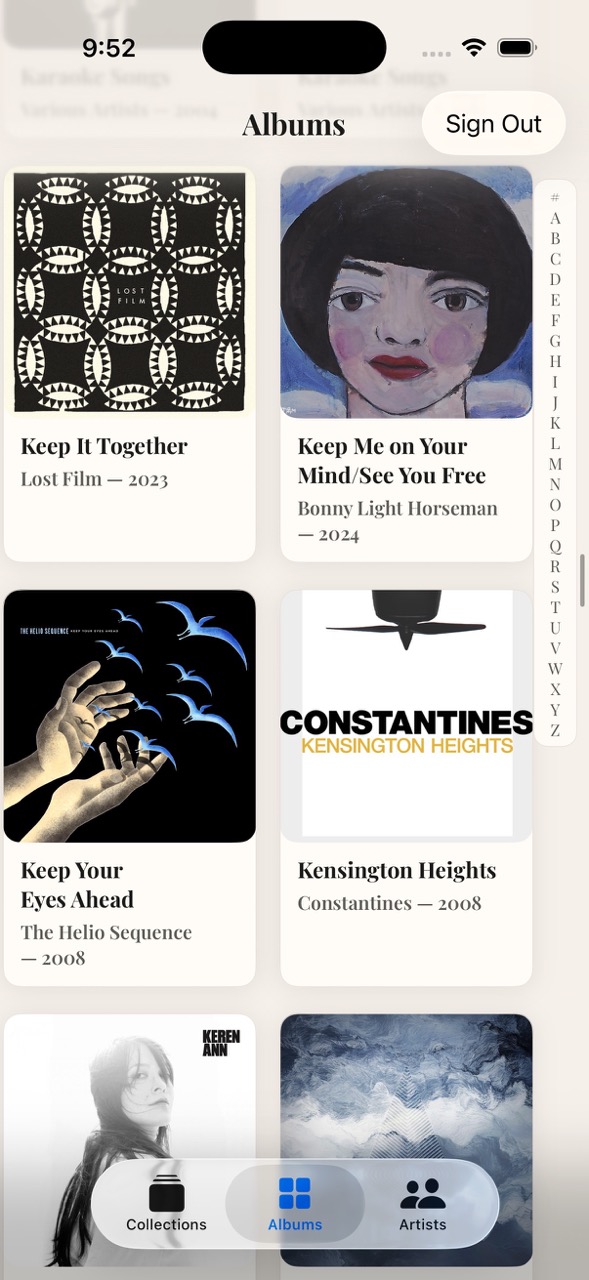
I'm not a huge fan of the UI on this, but I'll fix it eventually. I do love being able to search by artist... damn probably should adjust that for the albums page too, eh?
There's a "now playing" screen that shows the songs that are up next in the queue
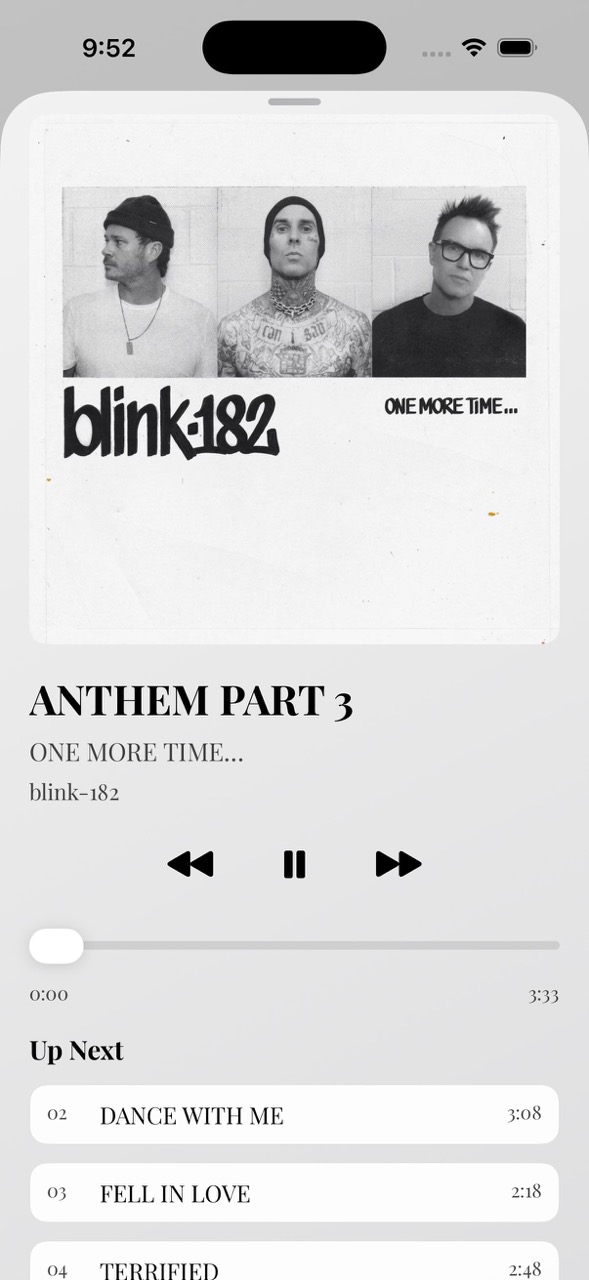
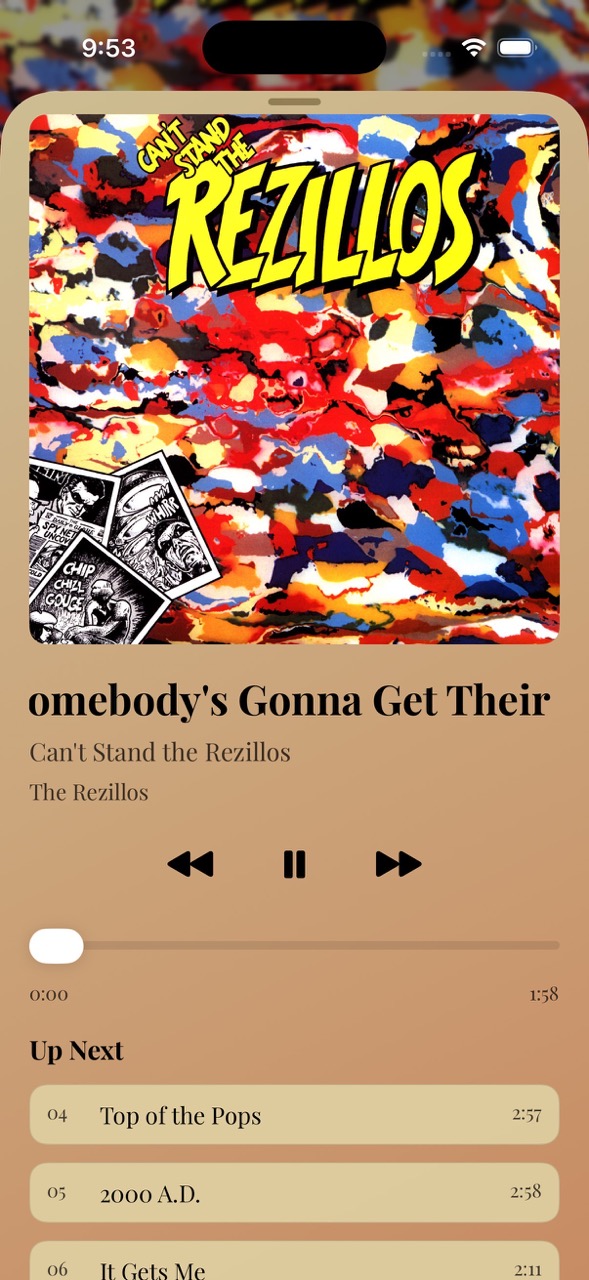
Tapping the album art loads the album details. Tapping a song in the upcoming queue jumps right to it. Tapping the artist loads the artist page. The colors for the view are dynamically chosen based on the album art. The title of the song scrolls in a marquee (more on that below).
There's an artist page
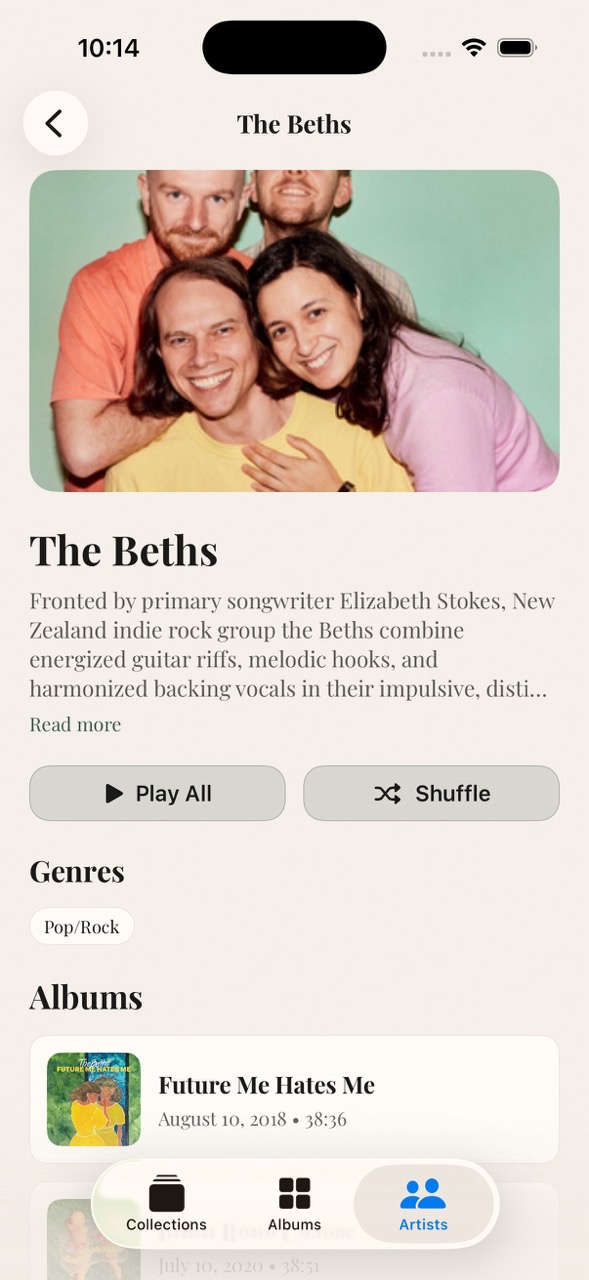
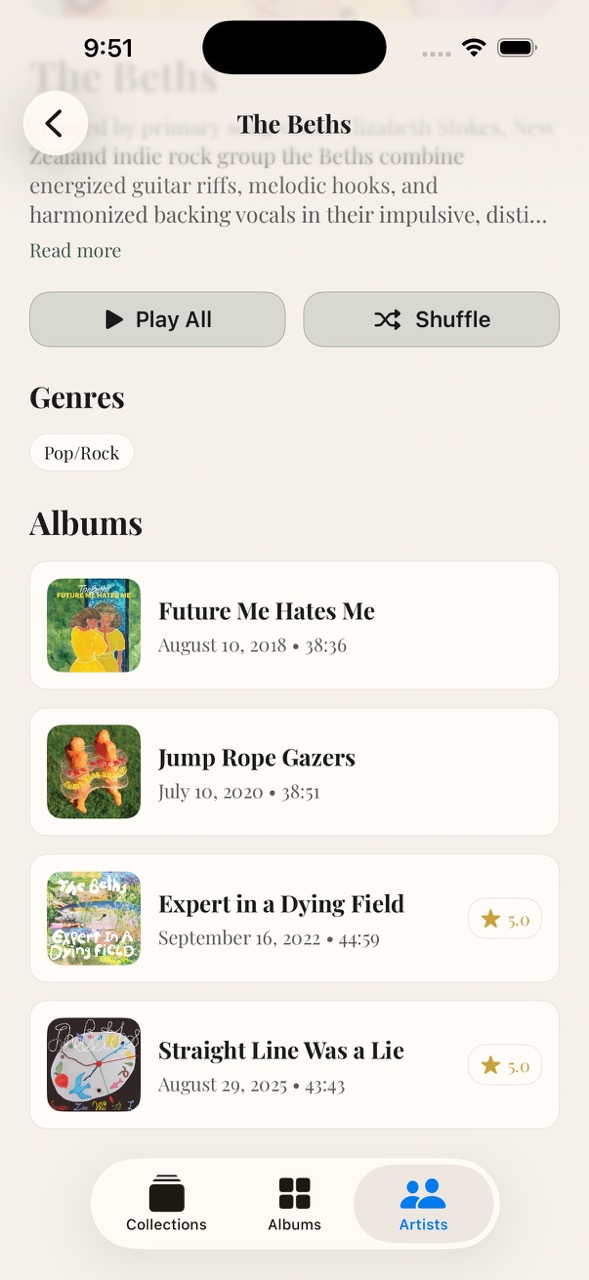
The artist page shows the artist image, their biography from the Plex library, buttons to play all their albums in chronological order (or shuffle the songs from all of their albums), a list of the artist's genres, and then a list of their albums. It shows the album's artwork, the title, the release date, the run time of the album, and a star rating (if present).
Images and library metadata are cached so the app loads fast
Nothing visual here but still dope.
Added a startup screen
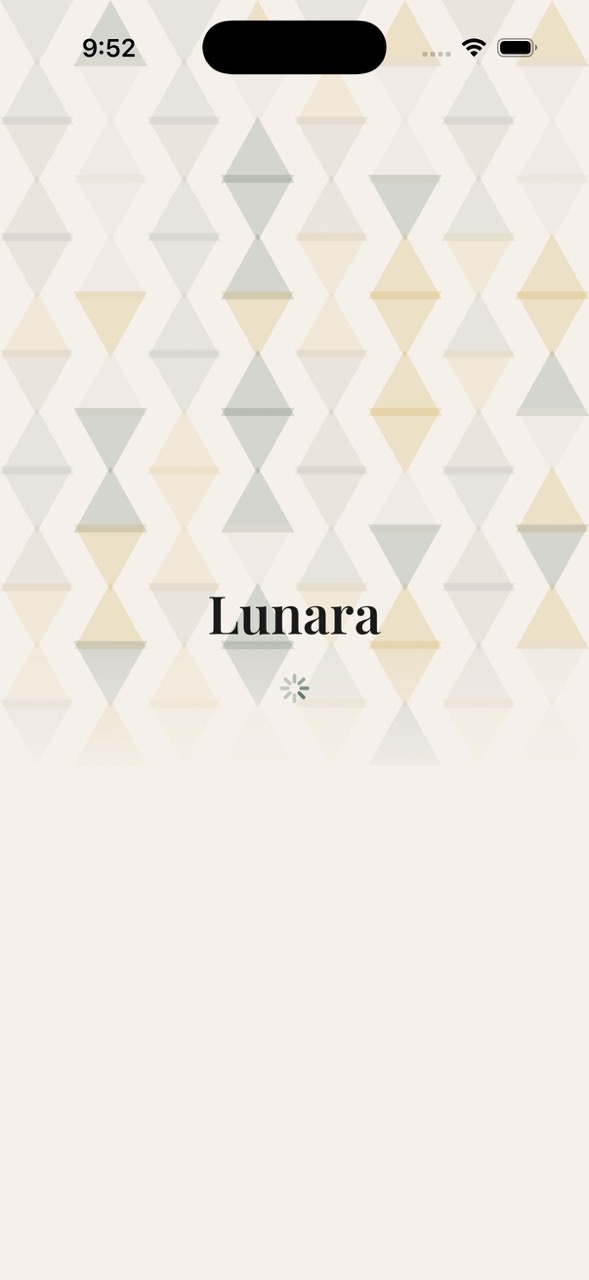
I can only see this screen for about half a second, but the triangles in the background sure do render randomly every time it loads.
Continued to make the album detail page look dope
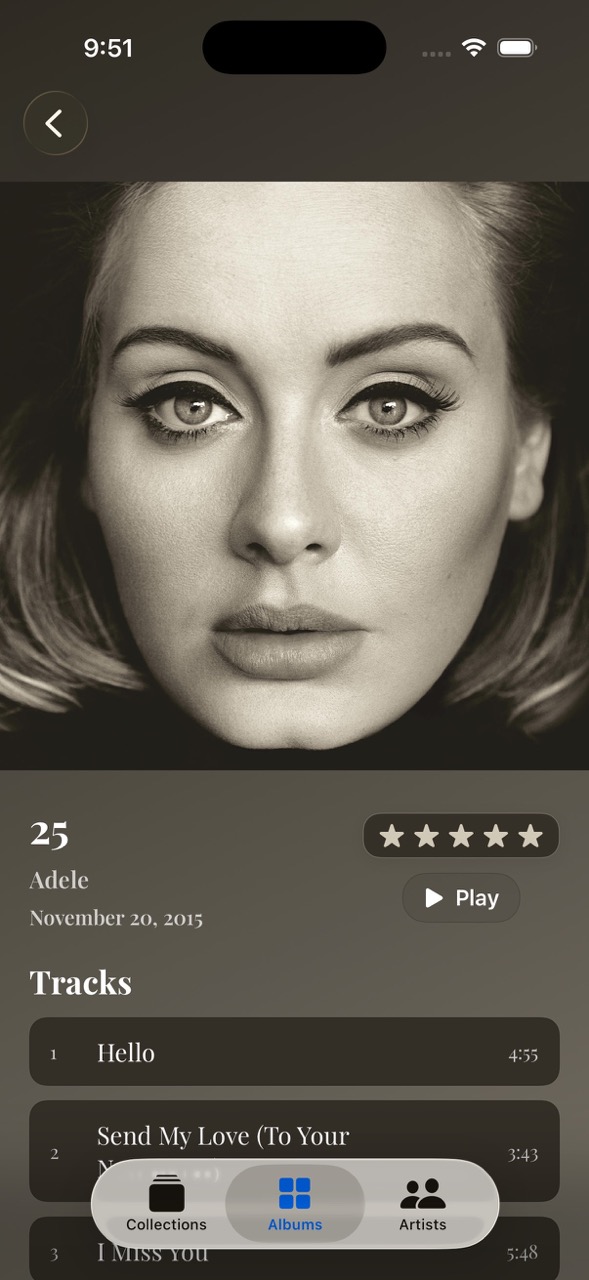
Like the "now playing" screen, the colors are dynamically generated based on the album art.
I can't overstate how much fun I'm having with this.
It's incredible how fast I am iterating on my ideas. For example: on the now playing screen, I wanted the title of the track to be a single line long, and if the title was too long, it would scroll back and forth. This feature likely would've taken me two or three days of experimentation to get it right. Codex took 6 minutes.
Yeah, I believe this will be my primary music player by the end of this week.
Up next:
- Settings screen. I want to run A/B experiments in my app, and having a settings screen will let me enable flipper tags to toggle behavior.
- Offline listening. We've already got a cache system for images and metadata, so this is the next logical step. I'll download music on the device and store it such that I won't need to stream it again.
- Queue management. I want to be able to insert an album or track to the top of the queue. I'll also want look-ahead downloading such that the next 5 songs that are in an upcoming queue are downloaded to the device ahead of time.
- Lock screen now playing and remote controls. I gotta be able to skip tracks from the lock screen.


